TEXT-TO-VIDEO + IMAGE-TO-VIDEOGenerate AI video.
Generate AI video.
Direct every shot.
Generate 5- or 10-second video clips from a prompt or reference image. Set the camera, choose a frame, and export a 720p or 1080p MP4.
GENERATION WORKBENCHVELORA / 01
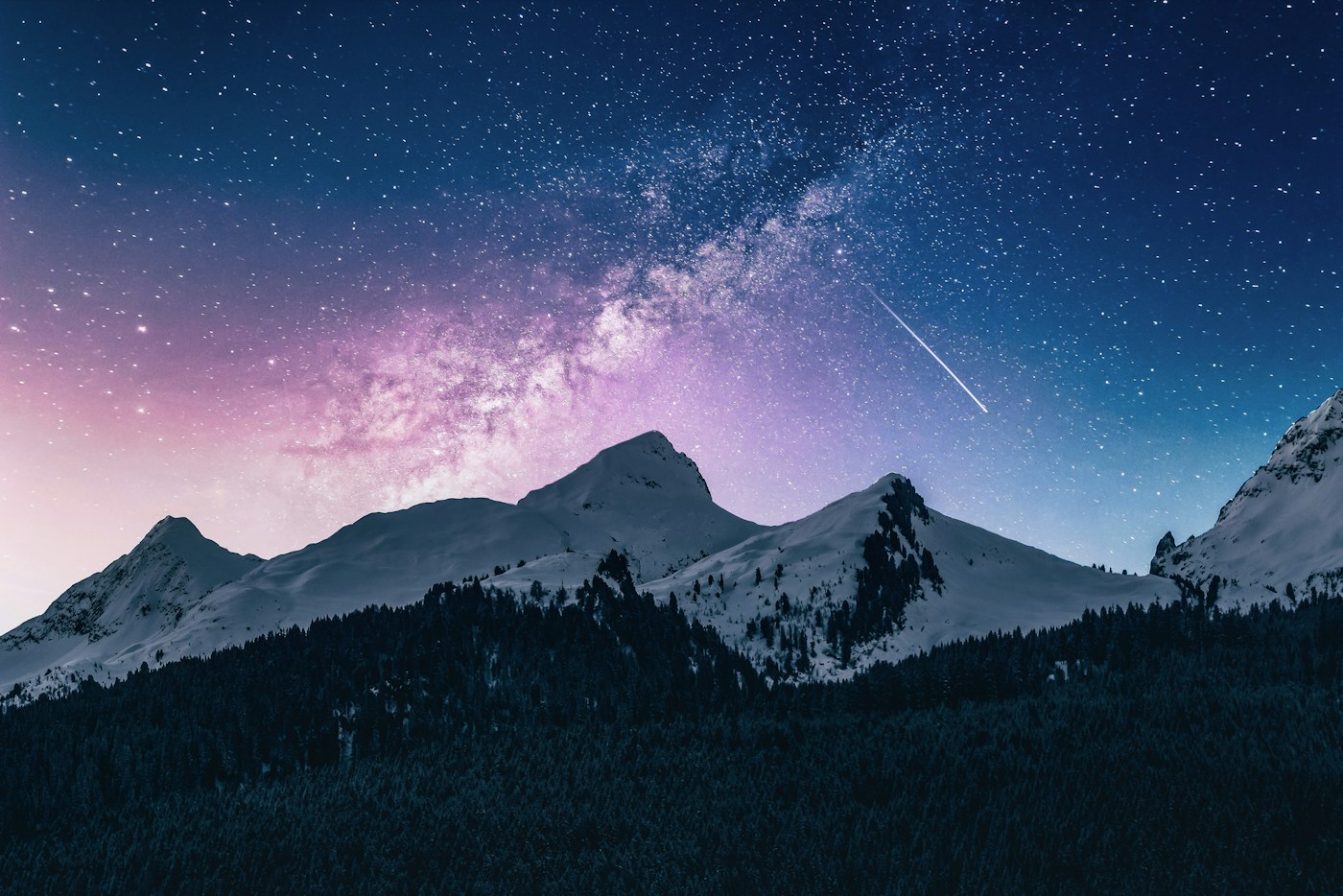
REFERENCE FRAME16:9
Alpine orbitSCENE 01 / VIOLET HOUR
OUTPUT FORMATMP4 / H.264
FRAME RATE24 fps
RENDER TARGET1920 × 1080
DURATION00:10
Start with a shot.
All visual directions ↗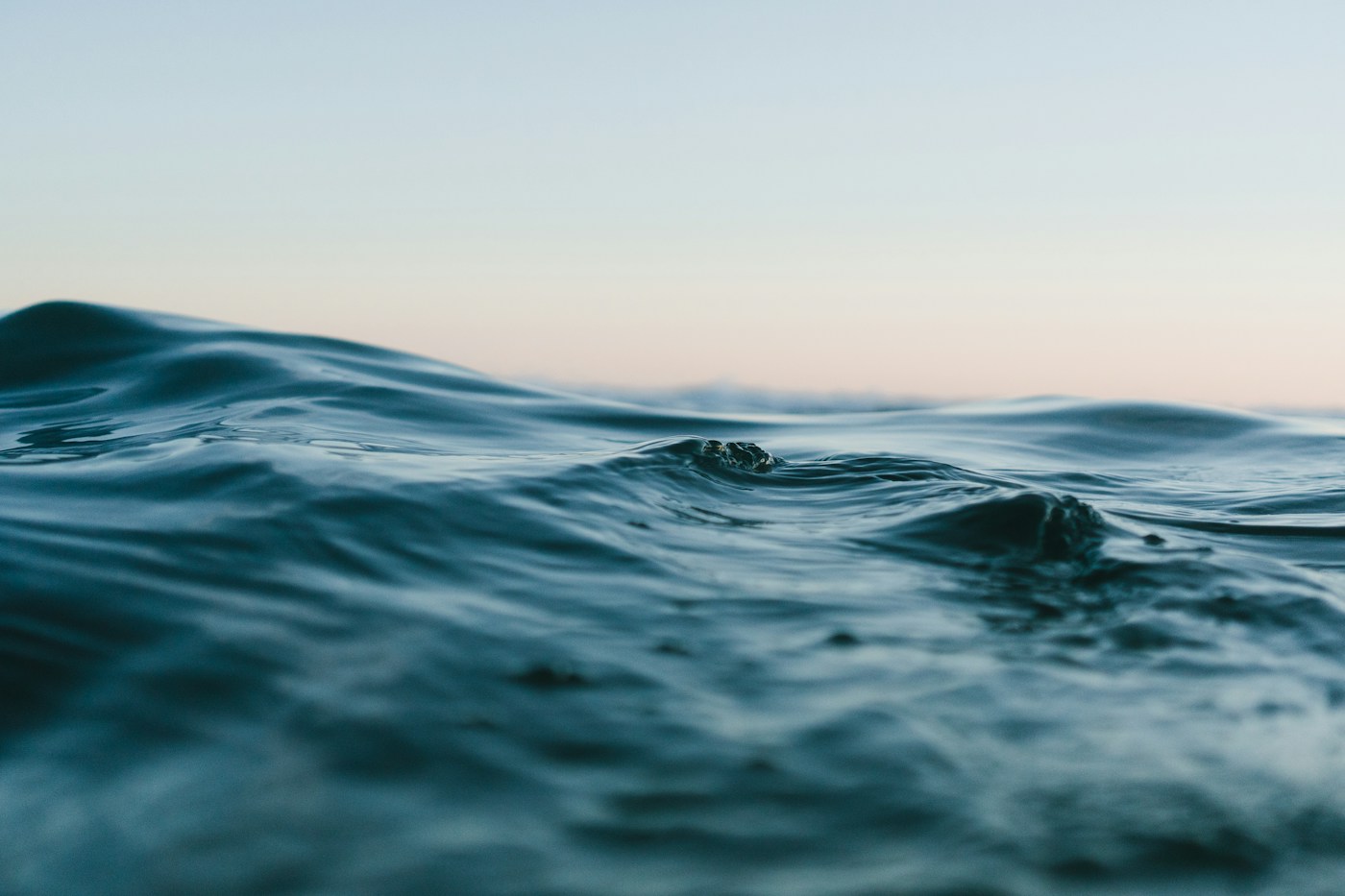
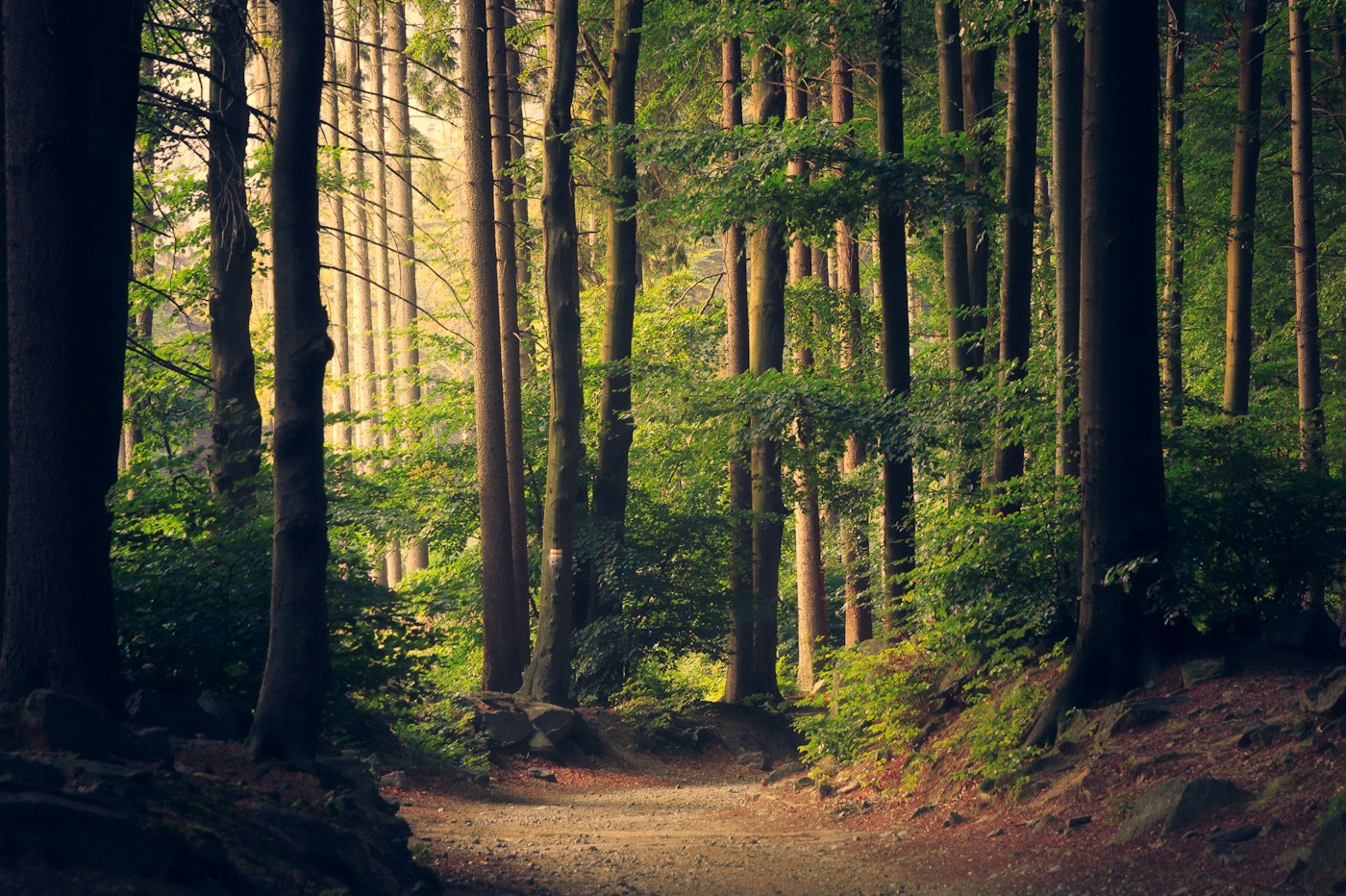
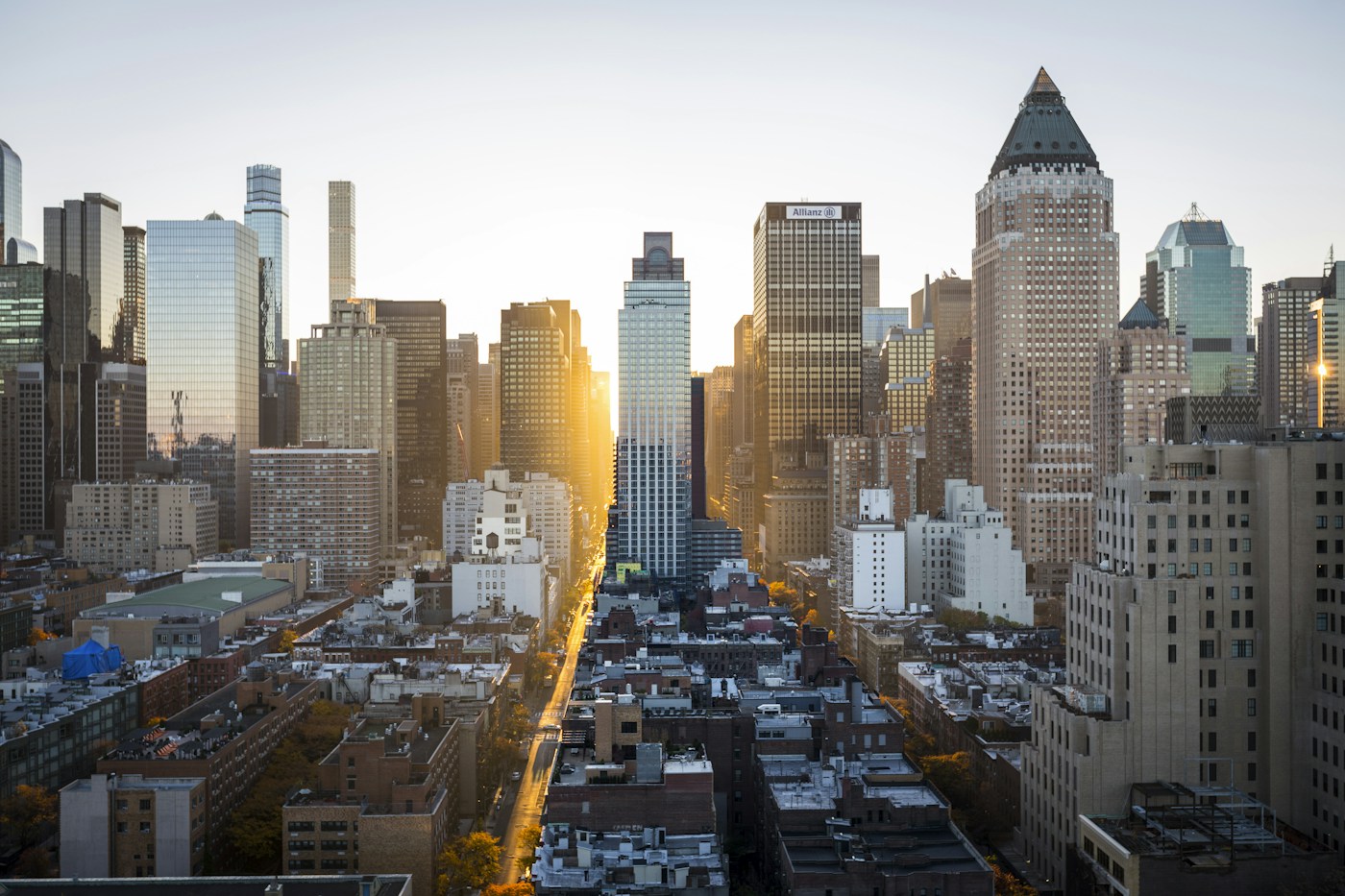
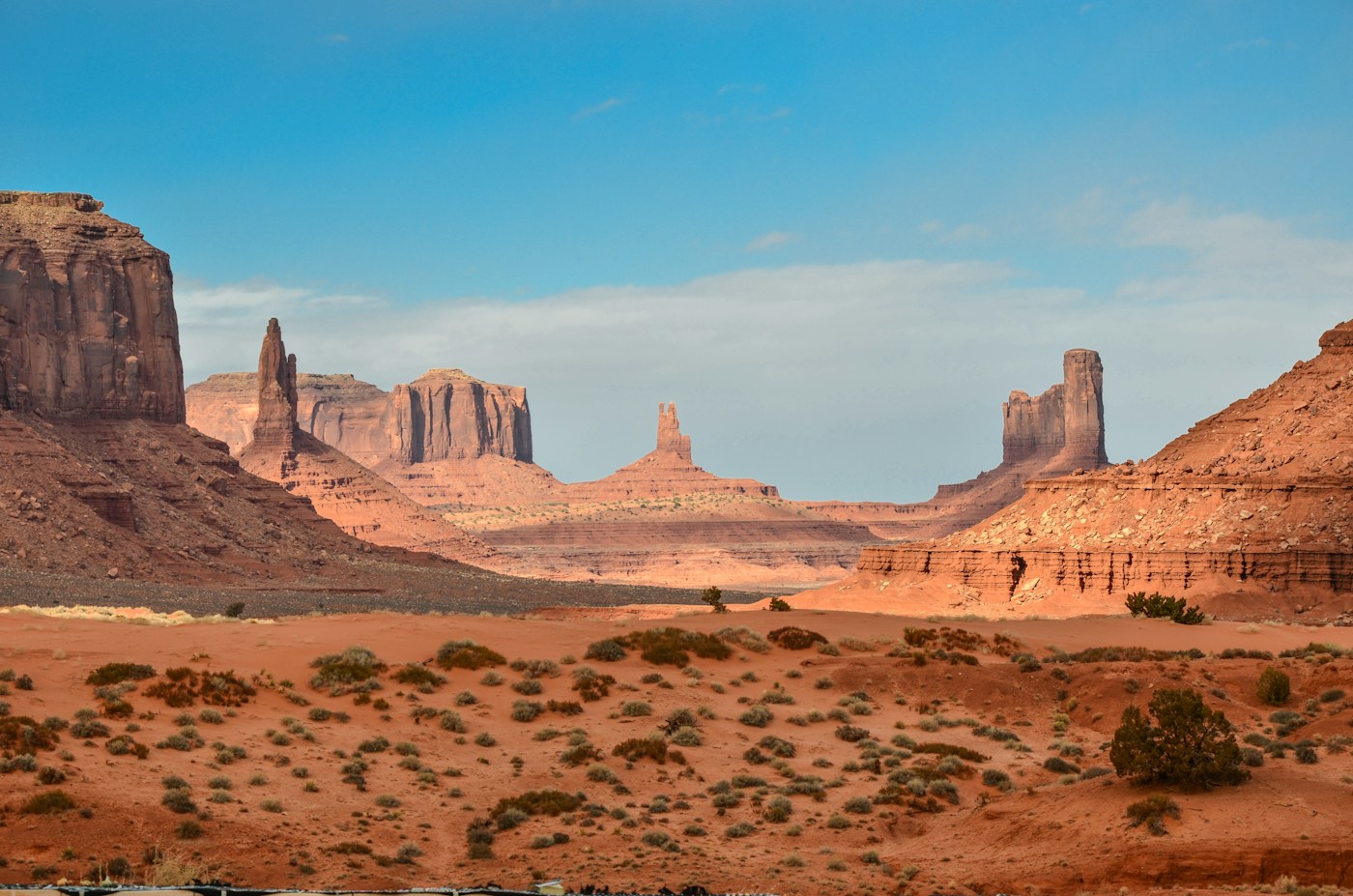
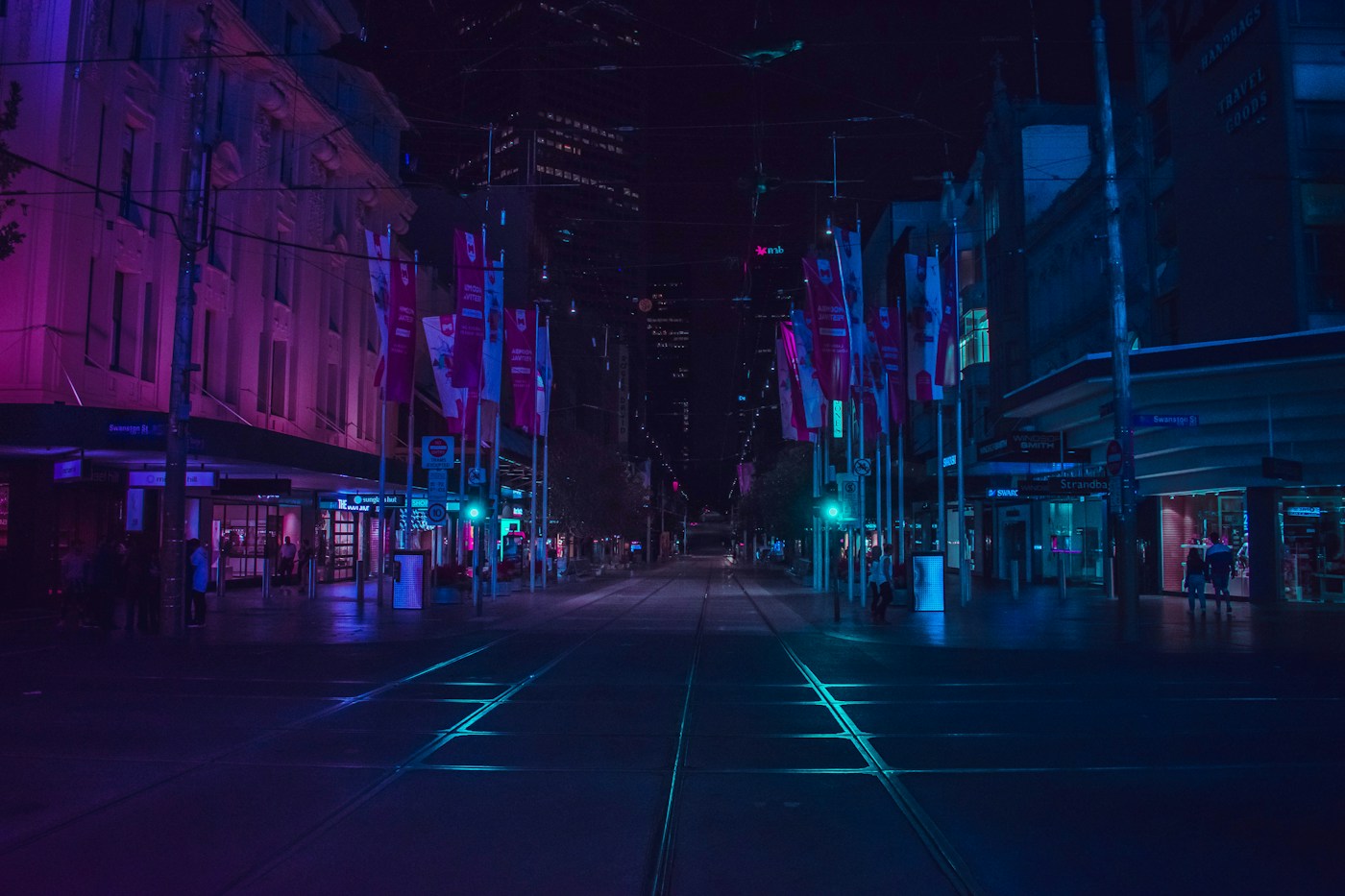
A clip you can
actually work with.
Use a still image to anchor composition, then describe one clear camera move. Generate short takes, compare variations, and export the selected MP4 into your editing timeline.
Read the shot breakdown →- 01Set a referencePrompt, image, or both
- 02Generate variations5s and 10s clips, 3 aspect ratios
- 03Export the take720p or 1080p, 24 fps MP4